
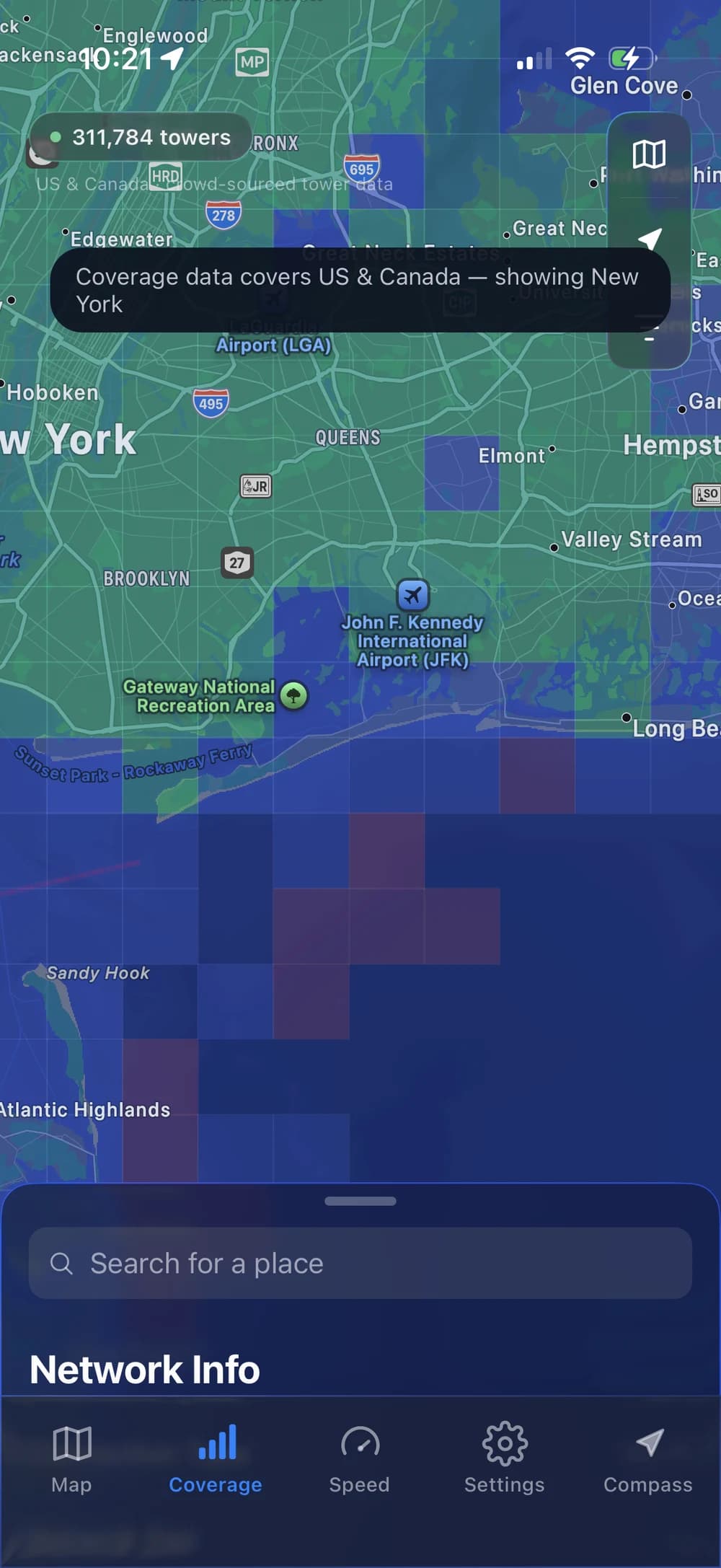
COVERAGE MAP
Check coverage before you go.
Explore the US and Canada coverage layer around your next destination or a new address.
Understand coverage mapsExplore coverage, test your connection speed, and find nearby cell towers. Understand more about the network around you with Open Signal.
Free download · Optional Pro purchases · iOS 15.1+
From compass to map. Just tap.Distance and direction first. The selected tower’s details next.
In Compass, Find it is highlighted as it is tapped. The app opens the map with the nearest mapped tower selected and its carrier details visible.
START WITH COVERAGE
Check the coverage map, then explore the towers nearby.
COVERAGE MAP
Explore the US and Canada coverage layer around your next destination or a new address.
Understand coverage maps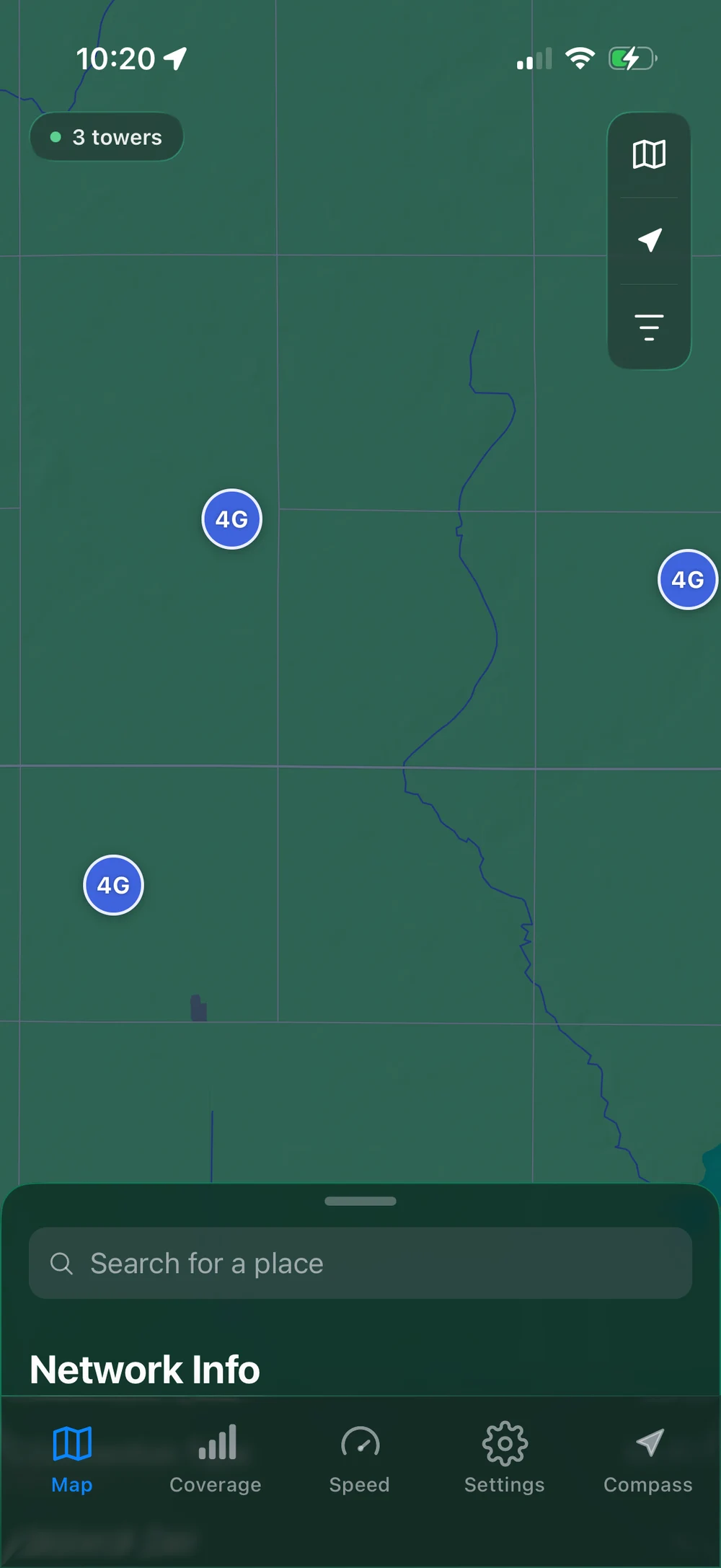
CELL TOWER MAP
Find nearby mapped towers, then tap one to see its carrier and network details. Find It takes you straight to the closest mapped tower.
Find towers near you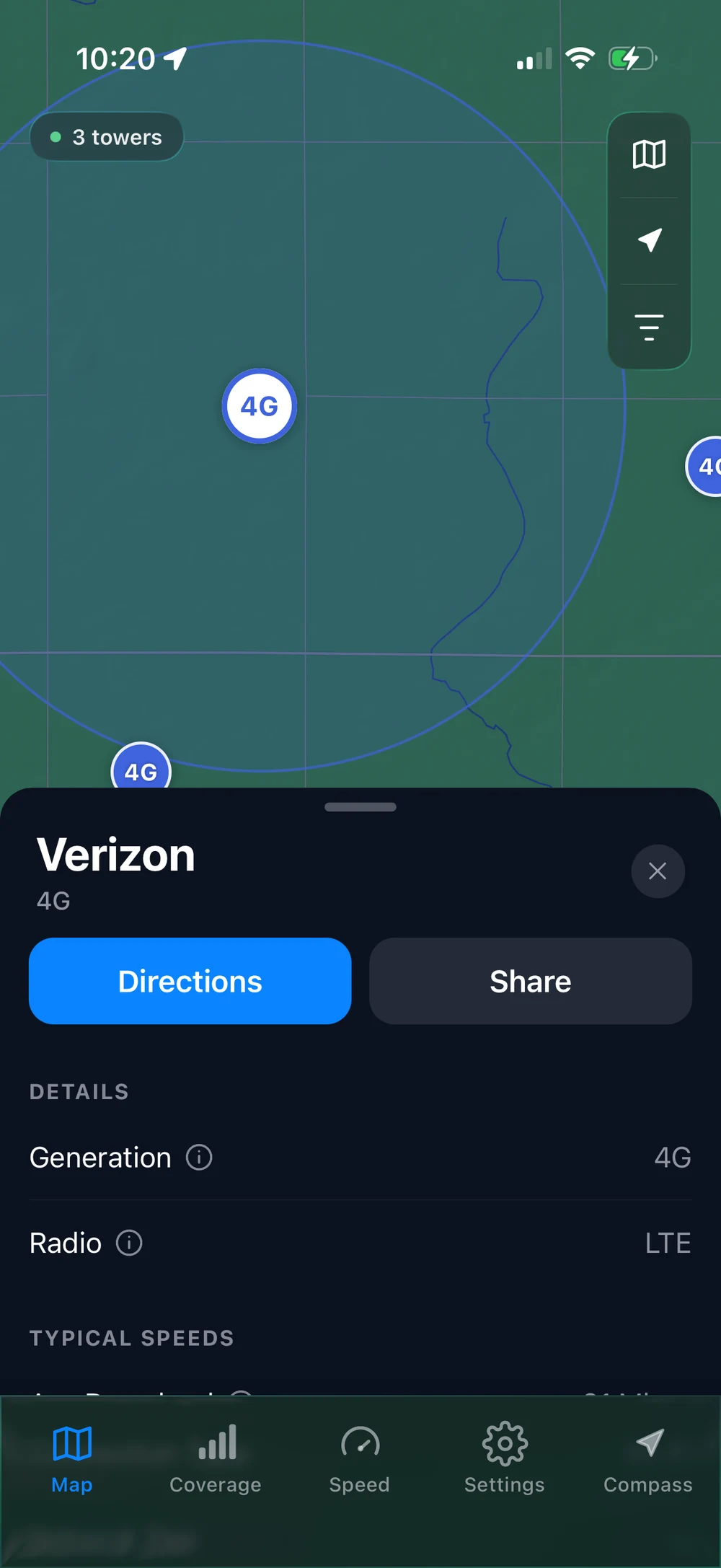
INDIVIDUAL TOWER RANGE
Select a tower to see its displayed range and details together. A useful visual reference for exploring the area.
Make sense of tower rangeActual in-app captures. Tower locations and range depend on available data; coverage is a guide to an area, not a guarantee of reception.
IN-APP SPEED TEST
Put a number to what you’re feeling. Check download speed, upload speed, and ping without leaving Open Signal.
Recorded in the app on Wi-Fi. Your results will vary.
The in-app speed test measures ping, download speed, and upload speed. This Wi-Fi recording finishes with 33 milliseconds ping, 570 megabits per second download, and 475 megabits per second upload. These are example results from the recorded connection.
“This app showed me the nearest towers and which direction they were…”
THE FIELD GUIDE
Practical answers for finding towers, reading coverage, and choosing the right tools.
Go from your location to the nearest mapped tower, then make sense of what you see.
Use coverage layers and carrier maps to plan a trip or check a new address.
Understand the circle on the map, its limits, and what to check on the ground.
Open Signal, CellMapper, Opensignal, and carrier maps: a practical comparison.
GOOD TO KNOW
The in-app test shows download speed, upload speed, and ping for the connection being tested. The demo above was recorded on Wi-Fi. To check your cellular connection, turn off Wi-Fi before testing. Results are a snapshot and can vary between tests.
Open Signal helps you measure your connection and explore coverage and nearby towers. It does not boost your signal, increase your network speed, or switch your phone to a particular tower.
Open the Compass tab to see the nearest mapped tower’s distance and direction. Tap Find it to jump to that tower on the map and open its details. The short demo above shows the complete interaction.
Yes. Open Signal: Cell Tower Finder is designed for iPhone and requires iOS 15.1 or later. Check the App Store for current compatibility and availability.
The coverage layer shown here covers the United States and Canada. Nearby tower results depend on the location and the data available there; a tower map and a coverage map are different views.
Not necessarily. Find It shows the nearest tower in the available map data. It does not establish which tower is serving your phone, and it cannot force your phone to connect to a tower.
The app is free to download, with optional Pro in-app purchases. Some features require Pro. See the current offer and subscription terms in the app before purchasing.